To load the CAM firmware u need a FunCardIV or
FunCardV
You have to load the firm with the IRD switched on and the
CAM inside the CI slot.
There are versions available for both FunIV and V.
- Fun4 version
loader.hex Flash file.
EepVxxx_1_4.hex External EEPROM
file (#1 card)
EepVxxx_2_4.hex
External EEPROM file (#•2 card).
- Fun5 version
loader.hex Flash file
EepVxxx_1_5.hex External EEPROM
file
The upgrading procedure is the same for both kind of cards.
The only exception is that you needn’t do steps 6 to 9 with
the Fun5 because all the CAM sw fit onto the Fun5.
- Load the first card with the following files:
- Loader.hex (into
Flash file)
- EepVxxx_1_x.hex
(into External EEPROM file).
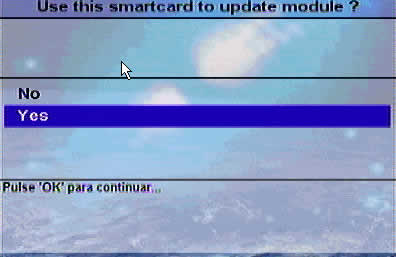
- Insert the card into the CAM.
- You’re asked if you want to upgrade the CAM. Answer
YES.

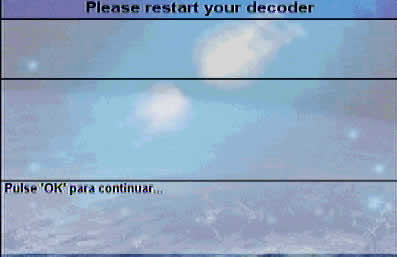
- Switch off the IRD when prompted.

- Switch the IRD ON.

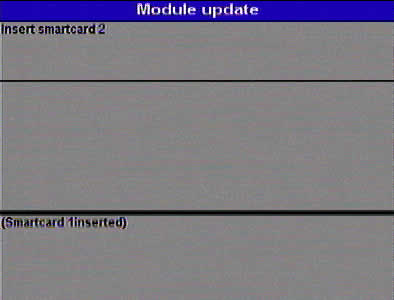
- Wait to be asked for the second Fun card.

- Extract the first card from the CAM.
- Load the second card with the files:
- Loader.hex (into
Flash file)
- EepVxxx_2_x.hex
(into External EEPROM file)
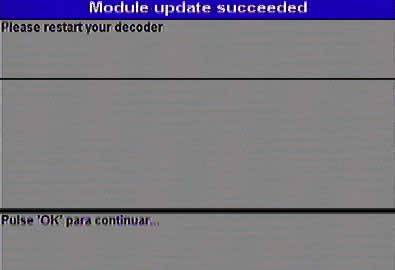
- Insert the card into the CAM.
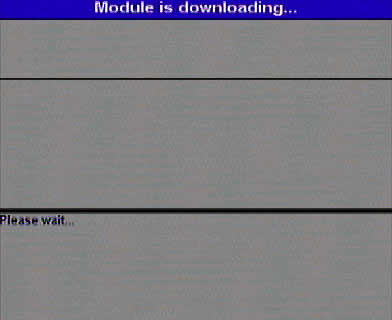
- Wait until the end of the process.
Hints & tips:
- Some receivers don’t initialise the CAM if they don’t
have antenna signal, so make sure you get it.
- If when introducing the card into the CAM you don’t get
any message, go to the CI menu of the
receiver.